Download Monitor is a lightweight, customisable Windows program, used for monitoring your network usage in real-time
- Themes – Adjust the colour, font and border style of the app, either with one of the built-in themes, or by creating your own
- Designed for modern Displays– Scales beautifully to any screen resolution and scale
- Usage Graph – Pull down on the application to reveal a graph showing the current Upload/Download usage
- Monitor Switcher – Right-click for a list of all available monitors, select one to move the application there
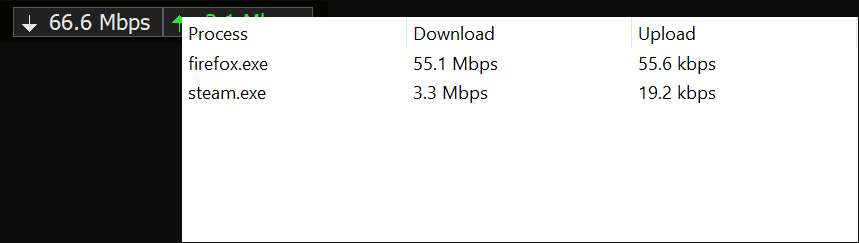
- Process Monitor – Hover over the application to see a real-time breakdown of processes using your network connection
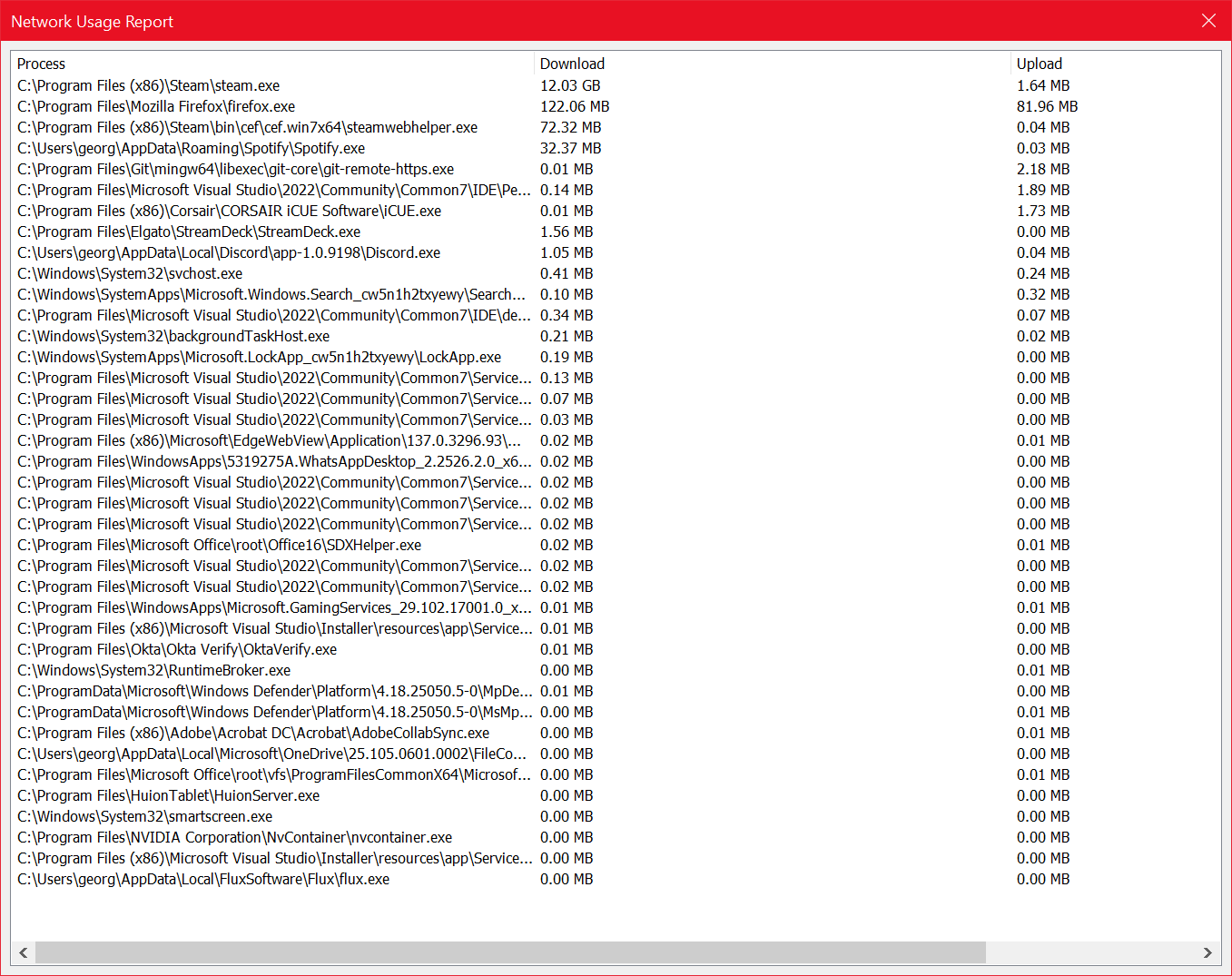
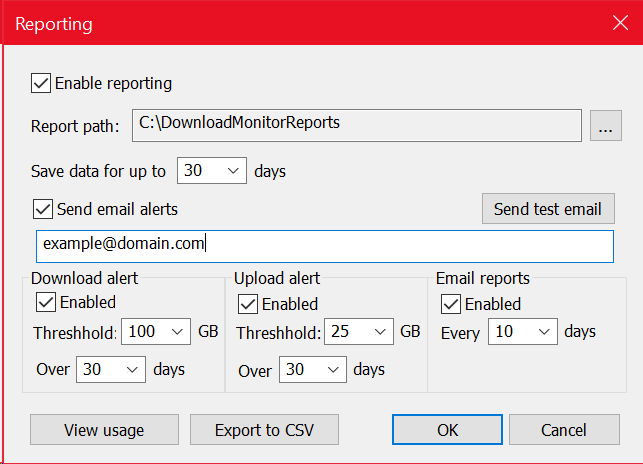
- In-depth Reporting and Alerts– Track network usage over time, and configure scheduled reports and alerts to be sent to your inbox
- Runs on Anything – Uses less than 10mb of RAM and negligible CPU
- Flexible Installation – Install without admin rights for core monitoring, or with admin rights to unlock per-process breakdown via the optional Process Monitor Service
Note – Some features require installation of the Process Monitor Service, an optional component of Download Monitor. You can opt in/out of installation during setup